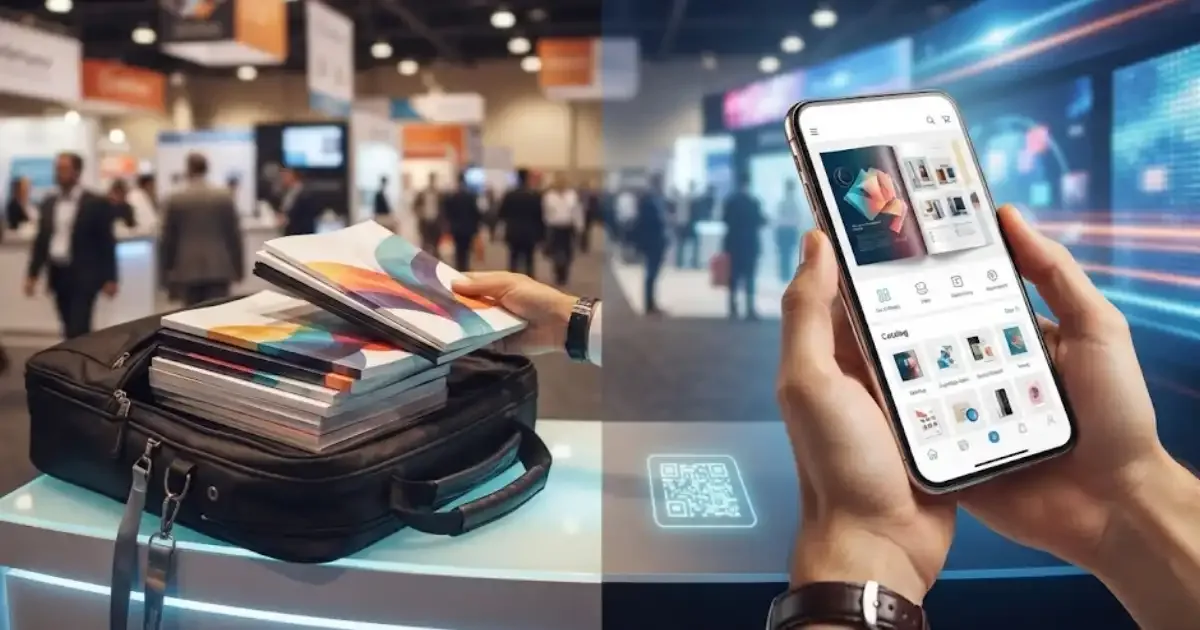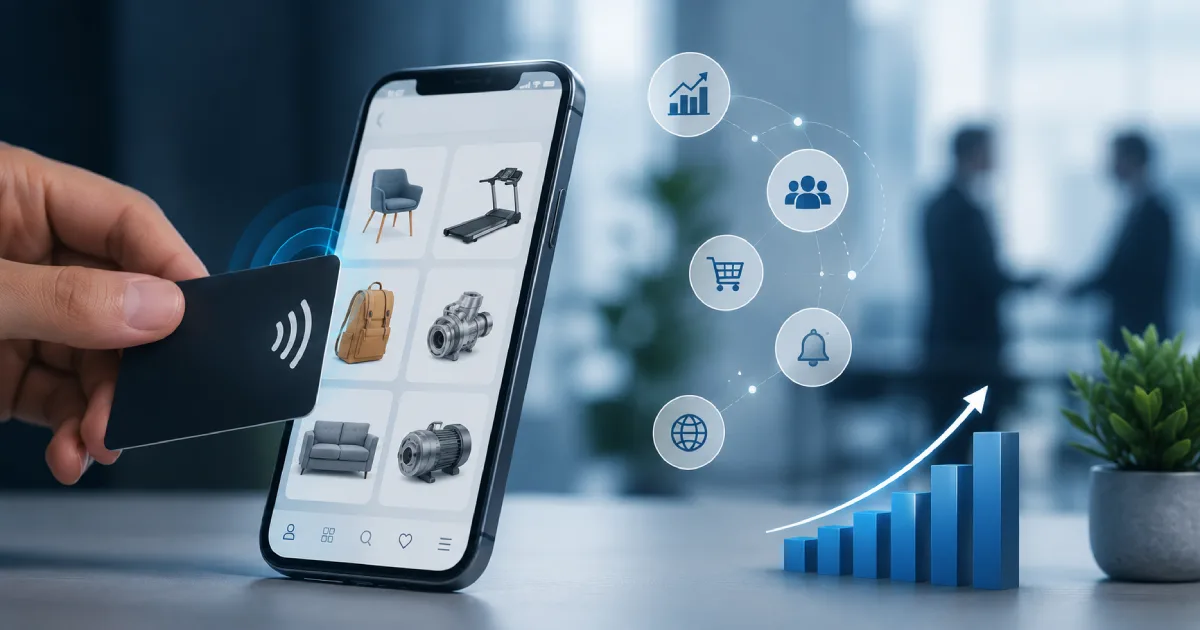
An NFC catalog exists to fix that exact moment. You hold out a card, the visitor taps their phone against it, and the catalog opens. Nothing to type, nothing to scan, nothing to download.
What is an NFC catalog?
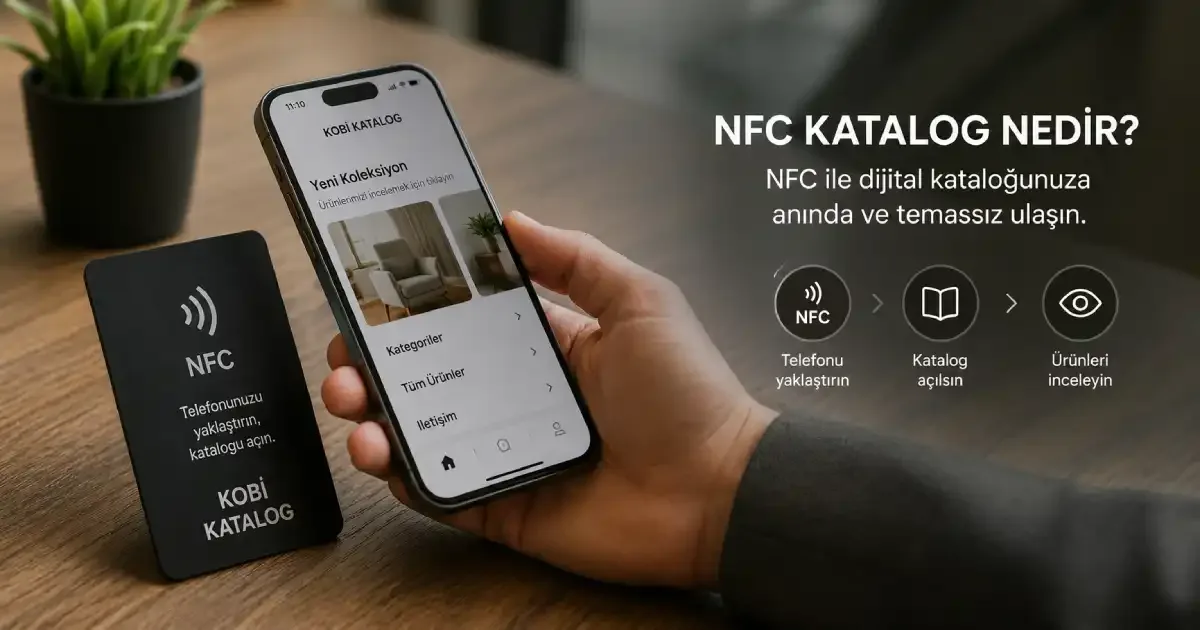
An NFC catalog is a digital product catalog whose link is written to a small chip. When a customer holds their phone near the chip, the catalog opens. The chip usually sits inside a plastic card, a sticker, or a sign on your booth.
NFC stands for Near Field Communication. And near really does mean near: the working range is a few centimetres. That is not a shortcoming, it is a deliberate design choice. It is the same limit that keeps your contactless bank card from being charged while it sits in your pocket.
There is no battery inside the card. The field created by the phone powers the chip, and the chip hands over the address stored in it. Nothing to charge, nothing to maintain, and the card just works for years.
How it actually works
The whole thing is three steps: the card is programmed, the customer taps their phone, the catalog opens.
Programming is less technical than people expect. A free app such as NFC Tools writes your catalog address to the chip. You can lock the chip afterwards, which means the contents can never be changed again.
Here is the part people usually learn the hard way: do not write a long, changeable address directly onto the card. Once a few hundred cards are printed, any change to your domain or catalog structure turns them into scrap. Use one short, permanent link instead and control where it points from your admin panel. The card stays the same card, the destination changes.
NFC or QR?
These two are not rivals. They are two doors into the same room.
The strength of QR is compatibility. Any phone with a camera reads it, and it works from a distance. You can put it on a window, a poster, packaging, a restaurant table. It also costs nothing, since it is just a printed image.
The strength of NFC is the experience. No hunting for the code, no lining up the camera, no fighting the lighting. You tap, it opens. And there is a physical object involved: like a business card, it stays in the other person's pocket.
A few device details are worth knowing. On Android, NFC can be switched off in settings, and a card will not be read while it is off. On iPhone, models from the XS onward read tags in the background whenever the screen is on; on older models you may need the NFC reader shortcut in Control Center.
The practical answer is to use both. Put a QR code on the face of the card and an NFC chip inside it. Whichever the customer reaches for, they land on the same catalog.
Where it works, and where it doesn't
NFC catalogs earn their keep wherever there is physical contact. The moment you meet a visitor at your booth, the moment you sit down at a customer's table, the moment someone picks up a product in your showroom. Exporters get an extra benefit: the same card can open the catalog in a different language depending on the visitor's phone settings.
But it does not work everywhere, and that is worth saying up front.
Metal surfaces. Stick a standard NFC tag onto a metal shelf or machine and it will not read. You need an anti-metal tag with a ferrite layer.
Behind glass. If the customer is outside your shop window, they cannot reach the chip. Put a QR code there instead.
Distance marketing. Posters, billboards, vehicle wraps: NFC is pointless there, because it needs contact.
Why digital instead of print?
NFC itself is only the door. The real difference comes from what is behind it being digital.
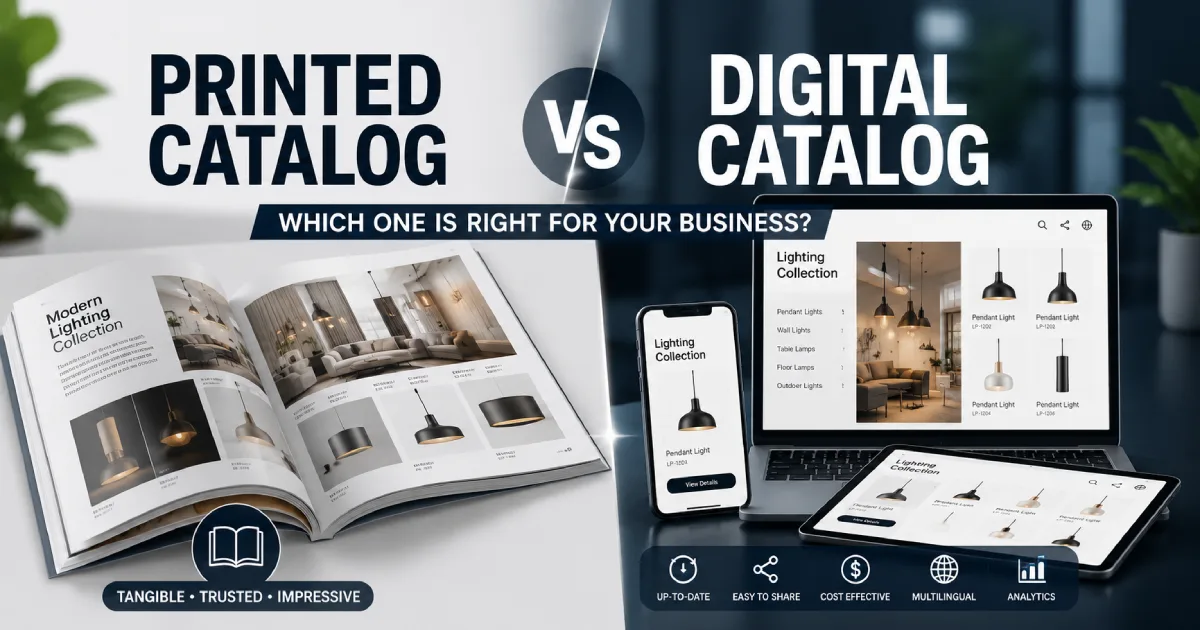
A printed catalog starts going out of date the day it leaves the press. Prices move, items sell out, new models arrive, and you are left with thousands of incorrect brochures. With a digital catalog you update the content in the panel, and every card you have already handed out keeps working.
The second difference is measurement. You will never know how many people opened your printed catalog or which page they lingered on. Digitally, that becomes data: how many people opened the catalog after the show, which product drew the most attention.
The third is simply weight. Instead of travelling with a thirty-page catalog, you travel with a card in your pocket.
NFC catalogs with KobiKatalog
KobiKatalog is a digital catalog system built for small and mid-sized manufacturers and distributors. NFC and QR access, multilingual content with text-to-speech, AI-assisted product search, and a structure that still works when the connection drops all come together in one place.
We print and program the NFC cards, and the link on them stays fixed. Whenever a product, price or image changes, you update it in the panel, and the card in your customer's hand keeps working exactly as before.
If you want your whole catalog to fit inside a single card, take a look at KobiKatalog.
Frequently asked questions
Does an NFC catalog need an internet connection?
Not to read the card, since that happens between the phone and the chip. But the catalog itself is a web page, so an internet connection is needed to view the content. Because KobiKatalog is a PWA, most of a catalog that has been opened once can still be viewed offline.
Does the customer need to install an app?
No. NFC-capable phones read the web address on the tag on their own and open it in the browser.
How long does an NFC card last?
There is no limit on how many times it can be read. Chip manufacturers typically quote around ten years of data retention and roughly a hundred thousand rewrite cycles. In practice the PVC card body usually wears out before the chip does.
Can I point an existing card somewhere else later?
If the chip was not locked, you can rewrite it. If it was locked, the address on the card is fixed, but you can still change where that address leads on the server side. That is the setup we recommend anyway.
How many cards should I order?
This is the number most people get wrong. You do not have to give a card to everyone. A card that stays in your sales team's pocket, gets tapped by a visitor and then goes back in the pocket does the same job. For a typical trade show, a handful of tap-and-return cards plus a modest stack to leave with serious prospects is usually enough.